
In my daily work, I often interact with various embedded system boards. However, the lack of an organized setup for these devices frequently becomes a frustrating hurdle.
The challenges are twofold:
- Disorganized Environment: The absence of a centralized space to keep devices neatly arranged complicates workflow.
- On-Site Dependency: Tasks like updating operating system images, interacting with input devices across multiple boards, monitoring display outputs, or managing power cycles require physically being present in front of the systems.
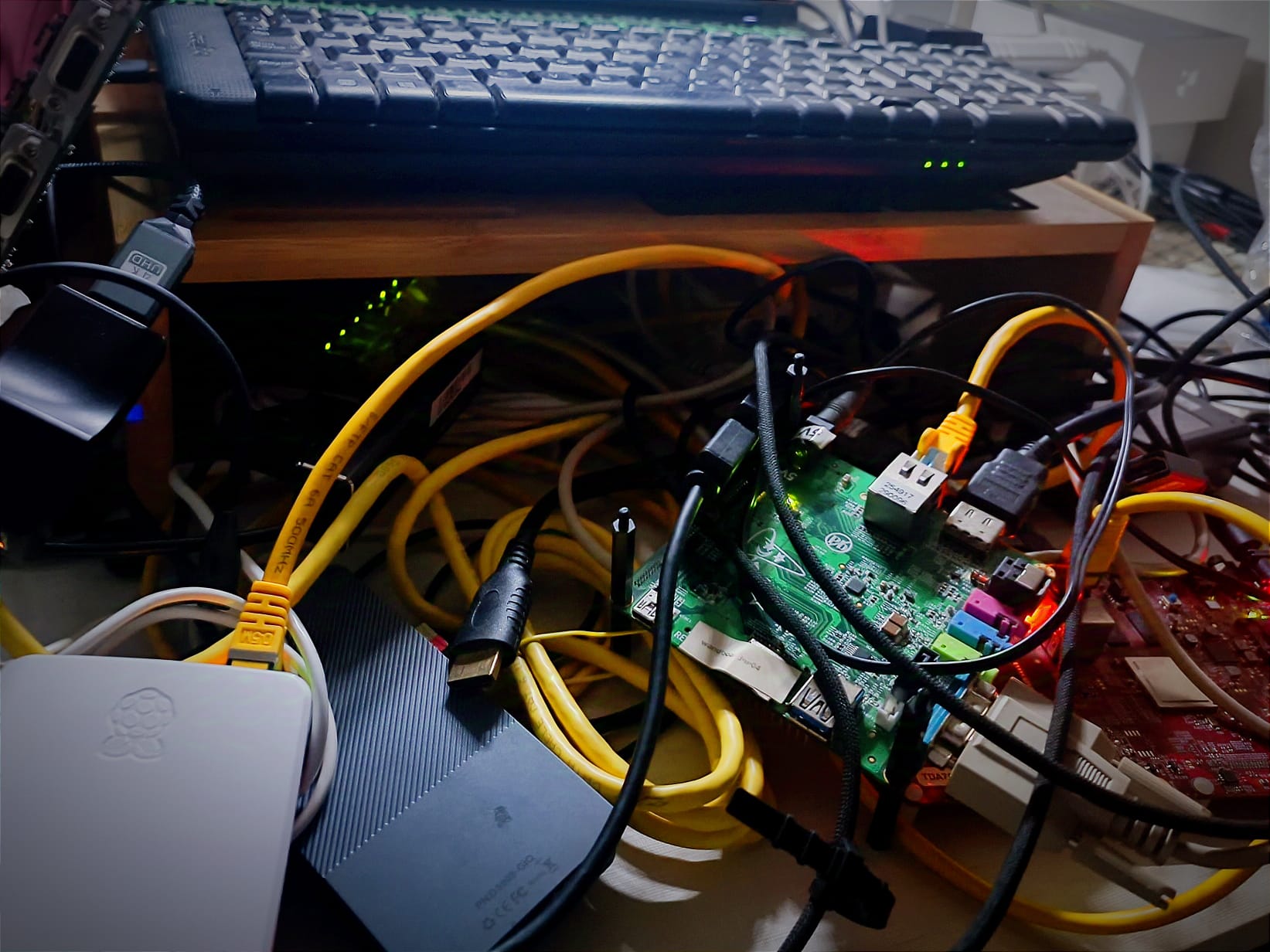
To address these issues, I’ve started planning a new personal project: Building my custom rack-mounted workstation for embedded systems development that commonly I use.
With this setup I aim to improve my efficiency by obtaining remote management capabilities for my development tasks. Here are the key objectives I’m focusing on for this:
- Remote Power Management:
Implementing the capability of remotely power on/off the embedded boards. - Input Device Multiplexing:
Organize the space by arranging the boards and cables into a rack, and centralize the management of input devices such as a mouse, touchscreen, and keyboard for multiple boards using a KVM switch. This eliminates the need for having separate peripherals connected to each board. - Remote KVM Access:
Enabling remote access to HDMI outputs for up to eight devices, allowing me to monitor screen outputs without physical proximity.
While there are still some trade-offs, like limited remote interaction with display peripherals, the setup addresses my primary needs effectively.
I really believe this solution will streamline my day-to-day workflow, minimize interruptions, and eliminate the need to be tethered to a specific location for embedded system tasks.
Once complete, I hope this project will serve as a template for others who face similar challenges in embedded systems development.
Technical Solution
To implement my goals for this custom rack-mounted workstation I’ve identified the following technical solutions:
- Remote Power Management:
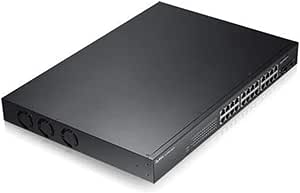
I plan to use a managed PoE switch (Zyxel GS1900 series) that is supported by a open source library for easy integration. The boards will be powered directly via PoE using compatible adapters.
- Input Device Multiplexing:
After scanning the market, I found a KVM switch (TESmart KVM HDMI HKS801-E23) that offers LAN-based management for selecting the active output. This will allow centralized input management with remote accessibility. - Remote KVM Access:
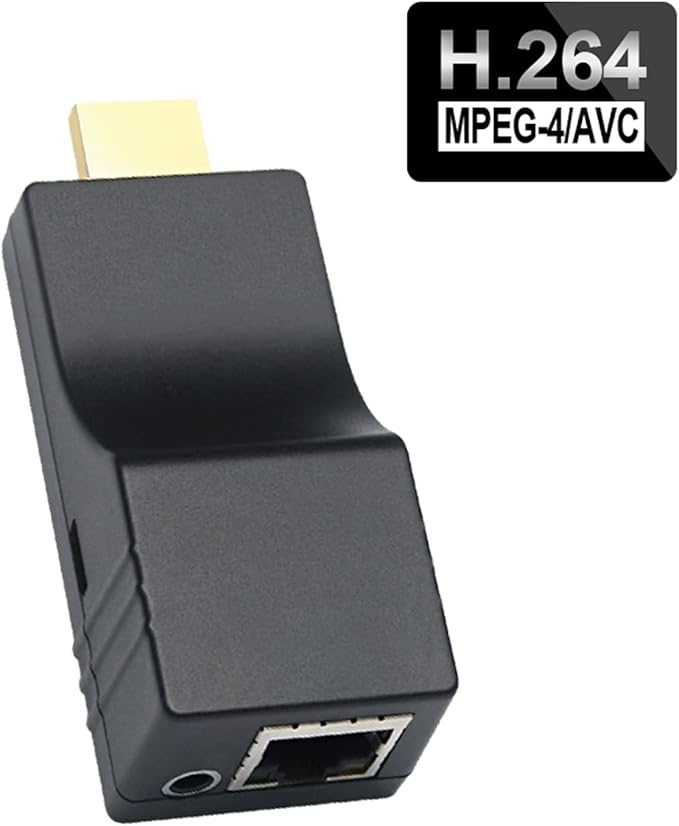
I’ll rely on an HDMI H.264 video encoder for streaming display outputs from the embedded boards. This solution ensures efficient and high-quality remote monitoring. I will connect the HDMI output of the KVM to an HDMI splitter to duplicate the signal. One of the outputs will go to a monitor, while the other will be connected to the HDMI Livestream Video Encoder. This device will generate a video stream accessible over the network, allowing remote viewing of the KVM’s active output. Disclaimer: This solution has a notable limitation. The design does not enable remote management of peripherals. This is not a major issue for me, as I usually don’t need to interact extensively with the display. However, in cases where interaction is necessary, I mitigate this limitation by using uinput to create and simulate virtual input devices.
For the rack design, I have decided on an 8U rack, which fits perfectly in the available space. Given the variety and number of embedded boards I work with, the setup needs to be flexible. To accommodate this:
- Removable Trays:
I’ll use sliding trays to hold the boards. Although the boards and their cables will remain loose, as they are now, the trays will allow me to keep them neatly concealed when not in use. - Minimal Frame Structure: Instead of using a cabinet, I will construct the rack frame using steel mounting rails. The trays and all other devices will be mounted directly onto these rails.

Stay tuned—I’ll share updates and learnings as I bring this project to life. If you have ideas or experiences to share, feel free to reach out.
Appendix: List of the purchased hardware for the project
- Rack:
- Removable Trays: 19-inch 1U Fixed Sliding Rack Mount Shelf
- Units: x4
- Indicative Unit prize: €28.90
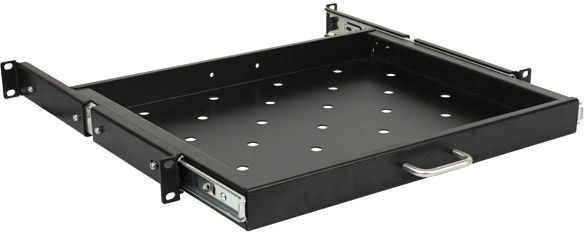
- Rack Rails: Rack Rail for Server Cabinet, 2 Units, 10 Inches, 8U, Light Gray Color
- Units: x2
- Indicative Unit prize: €12.83
- Vendor Link: https://www.amazon.es/gp/product/B09LQL76B3
- Screws: M6 screws and cage nuts. 50-piece set. Mounting kit. Black
- Units: x1
- Indicative Unit prize: €8.90
- Vendor Link: https://www.amazon.es/dp/B002EDHKX6
- Power strip: Power Strip with 8 Outlets suitable for 19-Inch Rack Cabinet
- Units: x1
- Indicative Unit prize: €27.99
- Vendor Link: https://www.amazon.es/gp/product/B079KRVM19
- Removable Trays: 19-inch 1U Fixed Sliding Rack Mount Shelf
- Network:
- Network PoW Switch: Zyxel Switch PoE Gigabit 24 ports (170Watts)
- Model: GS1900-24HP
- Units: x1
- Indicative Unit prize: €366
- Vendor Link: https://www.amazon.es/gp/product/B00IZJ0WTC
- Ethernet cables: Ethernet Network Cable CAT-6a RJ-45 10 units pack.
- Units: x1
- Indicative Unit prize: €14.60
- Vendor Link: https://www.amazon.es/gp/product/B0CLVPS2J1
- PoW splitters:
- Gigabit PoE Splitter, 5V 5A Type-C Output Port for Pi 5
- Units: x2
- Indicative Unit prize: €33.90
- Vendor Link: https://www.amazon.es/gp/product/B0D7955R6N
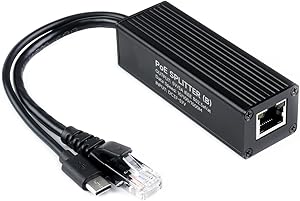
- Gigabit PoE Splitter Micro USB 5V/3A, 48V PoE Input to Micro USB 5V/3A Output for Pi 3B/3B+
- Units: x1
- Indicative Unit prize: €8.90
- Vendor Link: https://www.amazon.es/gp/product/B09GM7BB77
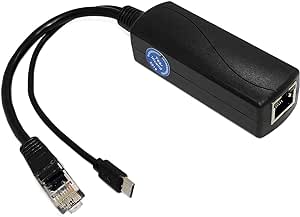
- Gigabit PoE Splitter 5V 3A Type-C Output Port for Pi 4
- Units: x1
- Indicative Unit prize: €14.20
- Vendor Link: https://www.amazon.es/gp/product/B09GM8FB3X
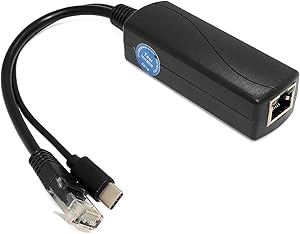
- Gigabit PoE Splitter, 5V 5A Type-C Output Port for Pi 5
- Network PoW Switch: Zyxel Switch PoE Gigabit 24 ports (170Watts)
- Remote KVM:
- KVM: KVM TESmart KVM HDMI 8 ports 4K60Hz. RS232/LAN management.
- Model: HKS801-E23
- Units: x1
- Indicative Unit prize: €290.30
- H264 LiveStream Video Encoder: DDMALL HDMI H.264 Video Encoder for Live Streaming, RTMP 1080p/1080i
- Units: x1
- Indicative Unit prize: €103
- Vendor Link: https://www.amazon.es/dp/B07V3QML75
- KVM: KVM TESmart KVM HDMI 8 ports 4K60Hz. RS232/LAN management.


 503: Service Unavailable
Leave a comment