
In previous posts, I detailed the construction of a rack for managing embedded boards:
- Building a Sustainable Rack for Embedded Boards Management
- Building a Rack for Embedded Boards Management. Part II.
A critical aspect of this setup is the ability to remotely control the power cycling of the boards. To achieve this, I utilized the zyxel-poe-manager, a convenient Python script that manages the Power over Ethernet (PoE) ports on Zyxel GS1900 series switches.
Why zyxel-poe-manager?
The Zyxel GS1900 switch web interface can be cumbersome, and its SNMP and CLI capabilities are limited. The zyxel-poe-manager script automates web interface interactions, streamlining PoE port management.
Installation Steps
- Clone the Repository:
   git clone https://github.com/jonbulica99/zyxel-poe-manager.git
   cd zyxel-poe-manager
- Install Dependencies: The script requires Python 3, along with the
requestsandBeautifulSoup4libraries. Install them using pip:
python3 -m pip install -r requirements.txt
Compatibility
The author confirms compatibility with firmware version V2.70(AAZI.1)_20220111 on the GS1900-10HP model rev A1. I successfully tested the script on firmware version V2.80(ABTP.0)_10162023 for the GS1900-24HP model.
Usage Examples
To manage PoE ports, execute the script with appropriate parameters:
- Check Port Status:
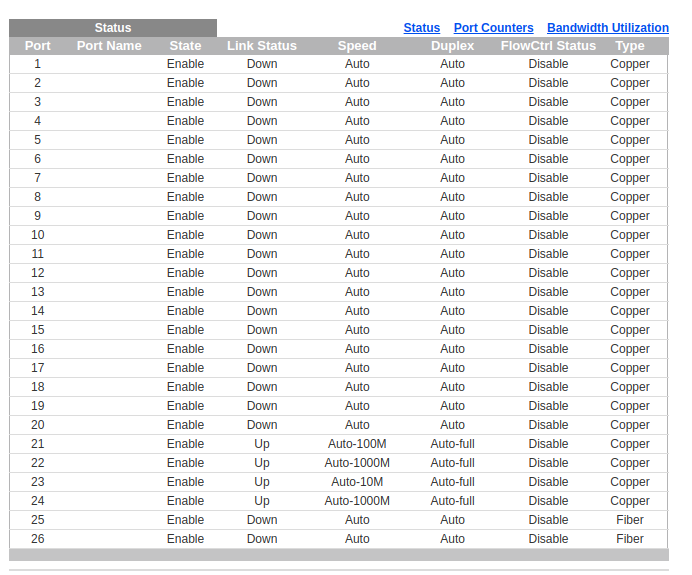
./poe-manager.py --host 192.168.1.5 --user admin --password ${PASSWORD} --port 4
Output:
Disable

- Enable PoE on Port 4:
./poe-manager.py --host 192.168.1.5 --user admin --password ${PASSWORD} --port 4 --state 1
Output:
  Executing command: Turn on PoE Port 4.
  Command executed successfully!
Verify the status:
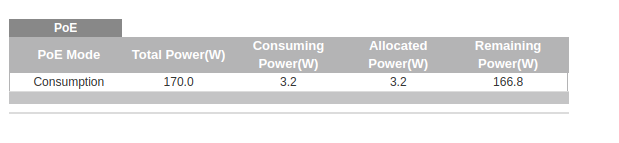
./poe-manager.py --host 192.168.1.5 --user admin --password ${PASSWORD} --port 4
Output:
Enable

Disable PoE on Port 4:
./poe-manager.py --host 192.168.1.5 --user admin --password ${PASSWORD} --port 4 --state 0
Output:
  Executing command: Turn off PoE Port 4.
  Command executed successfully!
Verify the status:
./poe-manager.py --host 192.168.1.5 --user admin --password ${PASSWORD} --port 4
Output:
Disable
Demonstration Video
Finally, for a visual guide on using the zyxel-poe-manager script to control PoE ports on a Zyxel GS1900 series switch, watch the following video:
Wrapping up …
By integrating this script into my rack setup, I have now resolved the remote power management for my embedded boards. This enhancement significantly improved my daily interactions with these remote devices, as it allows me to reboot them whenever they become unresponsive and require a hard reset. This solves the firs goal of my initial planification:
- Remote Power Management: Implementing the capability of remotely power on/off the embedded board.
In an upcoming post, I plan to explain how I am managing now the graphical output remotely from these mini-computers using both KVM and a H.264 LiveStream Video Encoder. Ciao!
— Pasiño a Pasiño faise o camiño


 503: Service Unavailable
Leave a comment